Best fit for RPA
Use RPA for deterministic clicks, forms, exports, and repetitive system actions where the interface and rules rarely change.
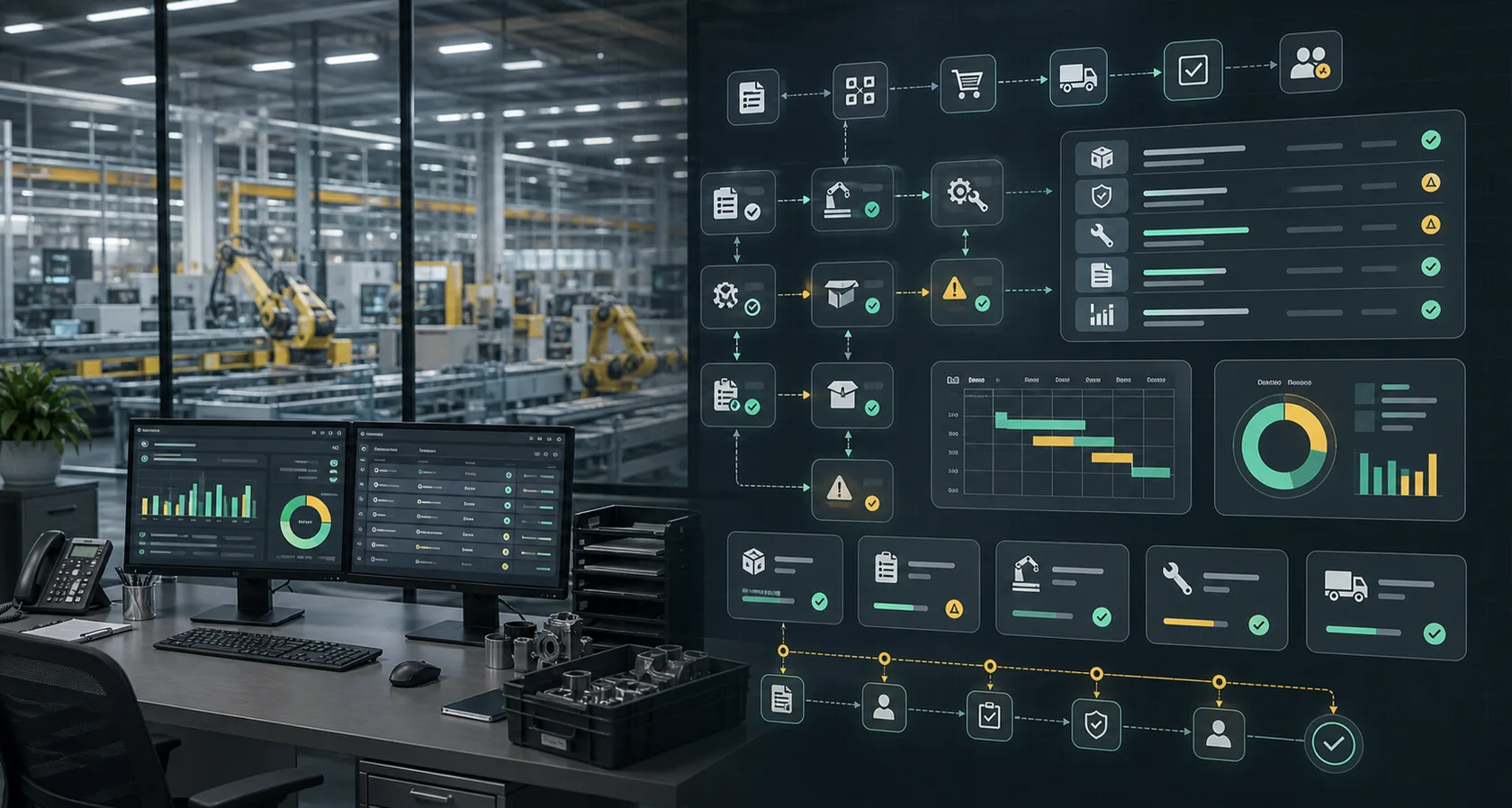
AI automation comparison
Compare AI workflow automation vs RPA for business operations, including use cases, data needs, exception handling, human approvals, ROI, and implementation risk.
Search intent
RPA is useful when the process is stable, rules-based, and screen-driven. AI workflow automation is stronger when the process involves language, judgment, messy inputs, exceptions, and approvals across multiple systems.
Decision framework
The best option depends on how the work arrives, which systems it touches, and which actions require human review.
Use RPA for deterministic clicks, forms, exports, and repetitive system actions where the interface and rules rarely change.
Use AI workflow automation when requests arrive through email, documents, tickets, forms, CRM notes, or other context-heavy channels.
Some workflows use AI to classify, summarize, and route work while RPA or integrations perform low-risk system updates after approval.
Choose the approach that handles the actual bottleneck: system repetition for RPA, or context preparation and exception routing for AI workflows.
Side-by-side
Use this table to choose a first pilot based on inputs, exceptions, approvals, integrations, and ROI proof.
Handles emails, documents, tickets, notes, and mixed operational context.
Works best with structured fields, predictable screens, and stable rules.
If the work starts in messy language, lead with AI workflow automation.
Classifies exceptions, drafts context, and routes risky cases for review.
Often breaks or pauses when the screen, rule, or input varies.
High exception volume usually needs an AI-assisted queue, not only bots.
Built around human approval for financial, customer, legal, or record-changing actions.
Can automate repeatable actions, but approval design must be added carefully.
Keep irreversible actions behind review either way.
Measures cycle time, manual prep removed, exception aging, and recovered revenue.
Measures clicks removed, processing volume, and fewer repetitive system tasks.
Pick metrics that match the bottleneck the team actually feels.
Checklist
A useful buying decision should reduce implementation risk and clarify the first measurable workflow.
FAQ
Short answers for buyers deciding which AI automation path fits their workflow.
Not entirely. RPA remains useful for stable system actions, while AI workflow automation is better for context-heavy intake, classification, drafting, routing, and exception review.
Yes. AI can prepare and route the work, while RPA or integrations complete low-risk repeatable actions after rules or approvals are satisfied.
If the pain is repetitive clicking, RPA may fit. If the pain is messy requests, document review, approvals, or exceptions, AI workflow automation is usually the better first pilot.
Compare options
Related decision guides help compare tools, agents, consulting, RPA, and workflow-first automation.
Compare AI automation services vs software for workflow mapping, integrations, AI agents, approval guardrails, implementation cost, and ROI proof.
Agency vs softwareAI Automation Agency vs SoftwareCompare an AI automation agency vs software for workflow mapping, implementation, integrations, approval guardrails, support, cost, and ROI proof.
Services vs ZapierAI Automation Services vs ZapierCompare AI automation services vs Zapier for business workflows, including tool setup, custom integrations, AI agents, approvals, monitoring, and ROI.
Services vs MakeAI Automation Services vs Make.comCompare AI automation services vs Make.com for business workflows, including scenario design, integrations, AI agents, approvals, monitoring, and ROI.
Services vs Power AutomateAI Automation Services vs Microsoft Power AutomateCompare AI automation services vs Microsoft Power Automate for business workflows, integrations, AI agents, approvals, governance, support, and ROI.
Services vs UiPathAI Automation Services vs UiPathCompare AI automation services vs UiPath for business workflows, RPA, AI agents, integrations, approvals, governance, support, and ROI.
Services vs Automation AnywhereAI Automation Services vs Automation AnywhereCompare AI automation services vs Automation Anywhere for agentic process automation, RPA, AI agents, approvals, governance, support, and ROI.
Services vs WorkatoAI Automation Services vs WorkatoCompare AI automation services vs Workato for enterprise integration, iPaaS, AI agents, approvals, governance, support, implementation risk, and ROI.
Services vs ServiceNowAI Automation Services vs ServiceNowCompare AI automation services vs ServiceNow for enterprise workflows, AI agents, IT and service operations, approvals, governance, support, and ROI.
Services vs n8nAI Automation Services vs n8nCompare AI automation services vs n8n for AI workflow automation, integrations, self-hosting, approvals, support, implementation risk, and ROI.
Services vs AgentforceAI Automation Services vs Salesforce AgentforceCompare AI automation services vs Salesforce Agentforce for AI agents, CRM automation, customer workflows, approvals, support, and ROI.
Services vs HubSpotAI Automation Services vs HubSpotCompare AI automation services vs HubSpot for CRM automation, marketing workflows, sales follow-up, AI agents, approvals, support, and ROI.
Services vs PegaAI Automation Services vs PegaCompare AI automation services vs Pega for enterprise process automation, workflows, case management, approvals, implementation support, and ROI.
Agents vs workflowsAI Agents vs Workflow AutomationCompare AI agents vs workflow automation for business operations, including agent roles, orchestration, approvals, integrations, monitoring, and ROI.
Agents vs chatbotsAI Agents vs ChatbotsCompare AI agents vs chatbots for business workflows, support automation, tool use, human approval, integrations, monitoring, and ROI.
Consultant vs agencyAI Automation Consultant vs AgencyCompare an AI automation consultant vs agency for workflow strategy, tool selection, implementation support, guardrails, ROI, and ongoing optimization.
Consultant vs softwareAI Automation Consultant vs SoftwareCompare hiring an AI automation consultant vs buying software for workflow mapping, integrations, AI agents, approval guardrails, ROI reporting, and ongoing optimization.
Decision support
We will compare options against your real workflow, systems, approvals, and ROI target before recommending a build path.