What should you monitor after launching an AI agent?
Monitor output quality, correction rate, exceptions, approval latency, tool calls, permission errors, cost, user adoption, incidents, fallback use, and workflow ROI.
AI automation resource
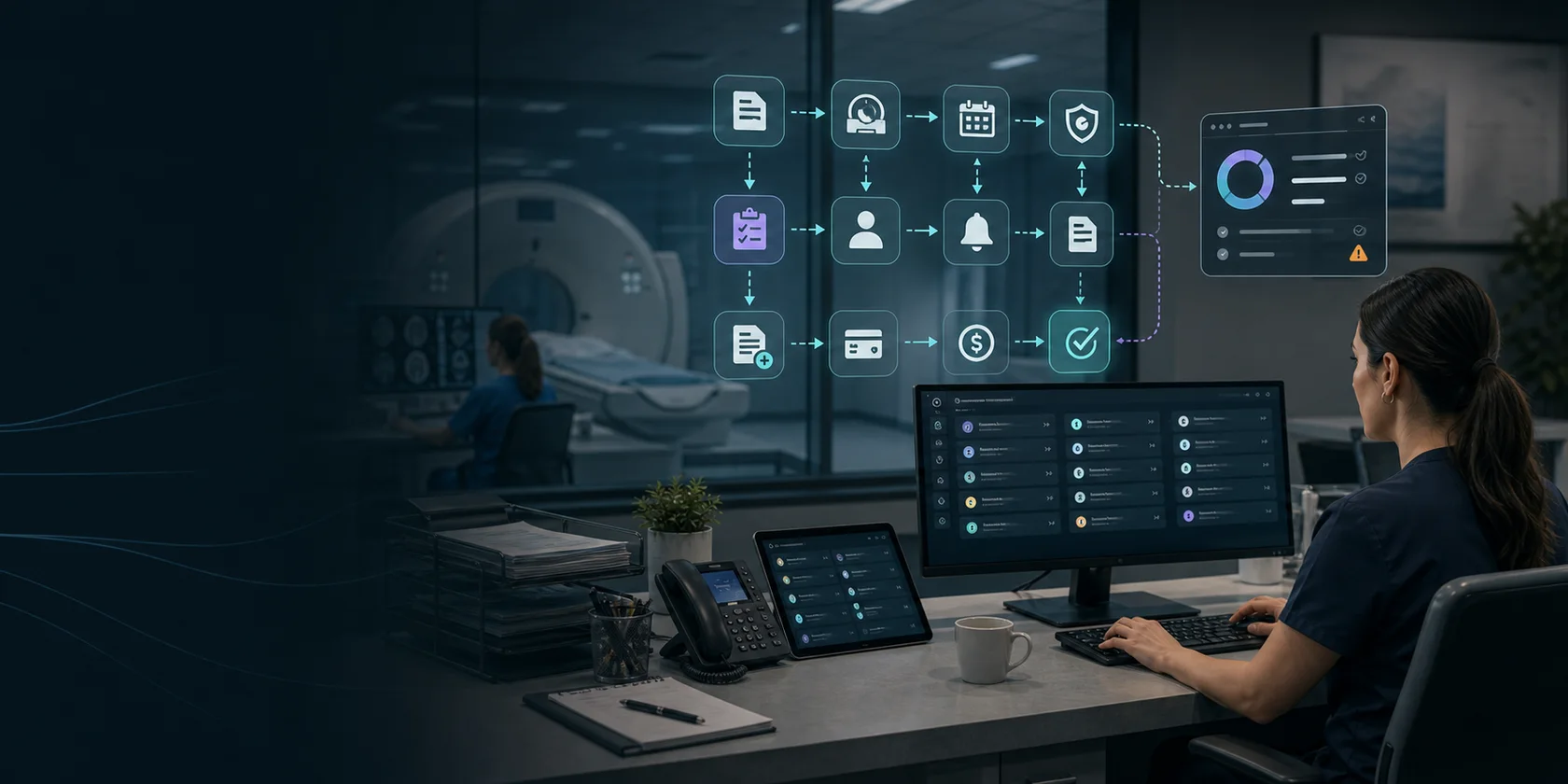
AI agent monitoring checklist for tracking quality, exceptions, approvals, tool calls, drift, cost, user adoption, incidents, and workflow ROI after launch.
Search intent
An AI agent monitoring checklist keeps production automation from becoming a black box. The team should review quality, exceptions, approvals, tool calls, costs, adoption, incidents, drift signals, and ROI so the workflow can be tuned, paused, or expanded with evidence.
Guide sections
These resources support buyers who are still comparing examples, controls, ROI, and implementation readiness.
Track accepted outputs, corrected outputs, rejected outputs, reviewer edits, low-confidence cases, and source-evidence gaps.
Make prompts, source context, tool calls, approvals, errors, cost, quality, and incidents visible before expanding the agent.
Tie monitoring signals to the model, agent, vendor, version, owner, lifecycle status, changes, and retirement decision.
Watch missing data, policy conflicts, blocked actions, unusual values, fallback use, repeated retries, and escalation aging.
Measure reviewer queue size, approval latency, escalation rate, owner overrides, and whether review rules need tightening or relaxing.
Compare completed work against the approved agent SOP so source checks, reviewer steps, fallback paths, and logs stay consistent.
Monitor read, write, send, schedule, purchase, retry, failure, and permission-denied events for every connected system.
Set alerts for unsafe messages, data exposure, wrong-record changes, approval bypass, unusual cost spikes, and repeated corrections.
Compare hours saved, cycle time, exception rate, adoption, revenue recovered, risk reduced, support effort, and ROI in one dashboard.
Keep the owner roster, monitoring routine, alert thresholds, incident steps, change process, and reporting cadence in one runbook.
Checklist
A useful resource page should help the buyer make a better decision before they contact anyone.
FAQ
Short answers for teams researching AI workflow automation before choosing a pilot.
Monitor output quality, correction rate, exceptions, approval latency, tool calls, permission errors, cost, user adoption, incidents, fallback use, and workflow ROI.
Review high-risk workflows daily at first, then weekly after they stabilize. Any expansion to new tools, data, or actions should restart closer monitoring.
Audit logs record what happened. Monitoring turns those records into operating signals so the team can tune prompts, fix handoffs, pause unsafe behavior, and decide whether to expand.
Next step
We will help identify the workflow, approval boundary, data sources, and ROI model that make sense for a first pilot.