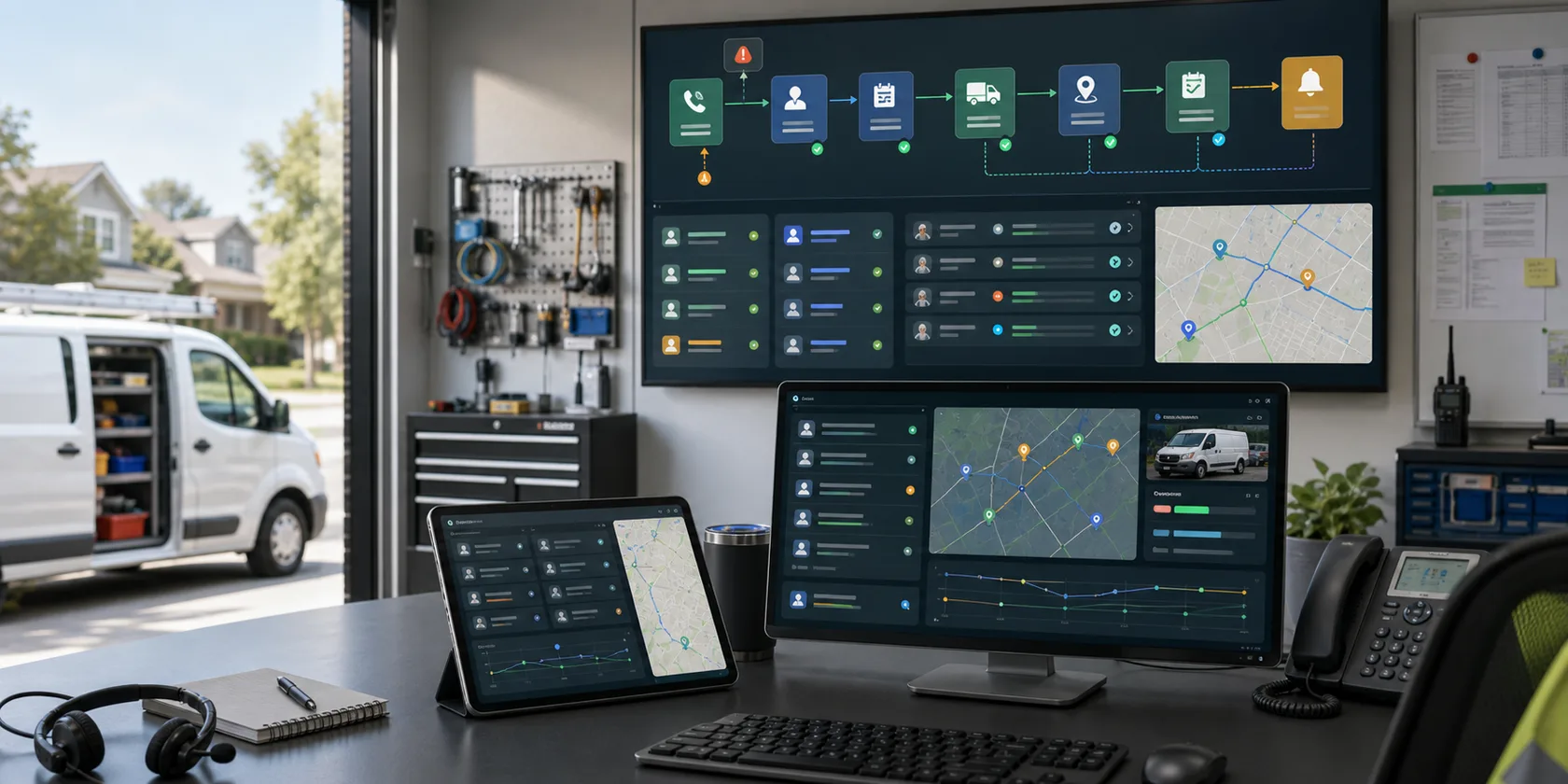
AI Automation Runbook Template visual for ai automation resource

AI automation resource

AI Automation Runbook Template

AI automation runbook template for production owners, monitoring, incidents, approvals, change control, rollback, support, and ROI reporting.

Search intent

Operations leaders, technical owners, support teams, and implementation partners documenting how a live AI automation workflow is operated after launch.

An AI automation runbook turns a live workflow into an operating system the team can actually manage. The runbook should name owners, document daily checks, define alert thresholds, route exceptions, explain incident response, preserve rollback steps, control changes, and show how results are reported after launch.

Guide sections

A practical framework for the workflow decision.

These resources support buyers who are still comparing examples, controls, ROI, and implementation readiness.

Covered workflow

Name the production workflow, launch group, source systems, agent responsibilities, approval queues, dashboards, and environments covered by the runbook.

Owner roster

List the business owner, reviewer lead, technical owner, support owner, security contact, vendor contact, and expansion decision owner.

Monitoring routine

Define daily, weekly, and monthly checks for quality, exceptions, approval latency, tool failures, cost, adoption, incidents, and ROI.

Operating SOP

Document the normal intake, source-check, draft, review, approval, fallback, update, and reporting steps the agent must follow.

Exception queue

Document how missing data, low confidence, policy conflict, approval rejection, system failure, and manual fallback cases are handled.

Incident and rollback

Write the steps to pause the agent, revoke access, preserve evidence, notify owners, roll back bad actions, and approve safe relaunch.

Change control

Define how prompt changes, routing changes, permission changes, integration fixes, threshold updates, and expansion requests are approved.

Support path

Document escalation contacts, response targets, support hours, emergency path, vendor responsibilities, and billable change boundaries.

Maintenance plan

Define recurring prompt review, integration checks, exception cleanup, support review, cost review, and ROI improvement work.

Reporting cadence

Report incidents, corrections, support load, exception rate, cycle time, cost, adoption, ROI, and whether the workflow should expand.
Checklist

What to confirm before moving from research to implementation.

A useful resource page should help the buyer make a better decision before they contact anyone.

  • Name the live workflow, owner group, source systems, AI responsibilities, approval queues, dashboards, and environments.
  • Document the normal operating procedure the agent, reviewer, and fallback owner follow for each work item.
  • List business, reviewer, technical, support, security, vendor, and expansion decision owners.
  • Define recurring monitoring checks, alert thresholds, exception routing, fallback handling, and incident triggers.
  • Write the pause, access revocation, evidence capture, rollback, owner notification, and safe relaunch steps.
  • Document how prompts, routes, permissions, integrations, thresholds, and expansion requests are approved and logged.
  • Review runbook performance through reports on incidents, corrections, support effort, adoption, cost, cycle time, and ROI.

FAQ

Common runbook template questions.

Short answers for teams researching AI workflow automation before choosing a pilot.

What should an AI automation runbook include?

An AI automation runbook should include covered workflows, operating SOPs, owner roles, monitoring routines, exception handling, incident response, rollback steps, change control, support paths, reporting cadence, and expansion criteria.

Who owns an AI agent runbook?

Ownership should include the business workflow owner, technical owner, reviewer lead, support owner, security or compliance contact, and vendor support contact when a vendor operates part of the workflow.

When should a business create an AI automation runbook?

Create the runbook before go-live, update it after incidents or workflow changes, and review it before expanding the automation to more users, systems, permissions, or higher-risk actions.

Next step

Turn the guide into a scoped workflow review.

We will help identify the workflow, approval boundary, data sources, and ROI model that make sense for a first pilot.