Support queue map
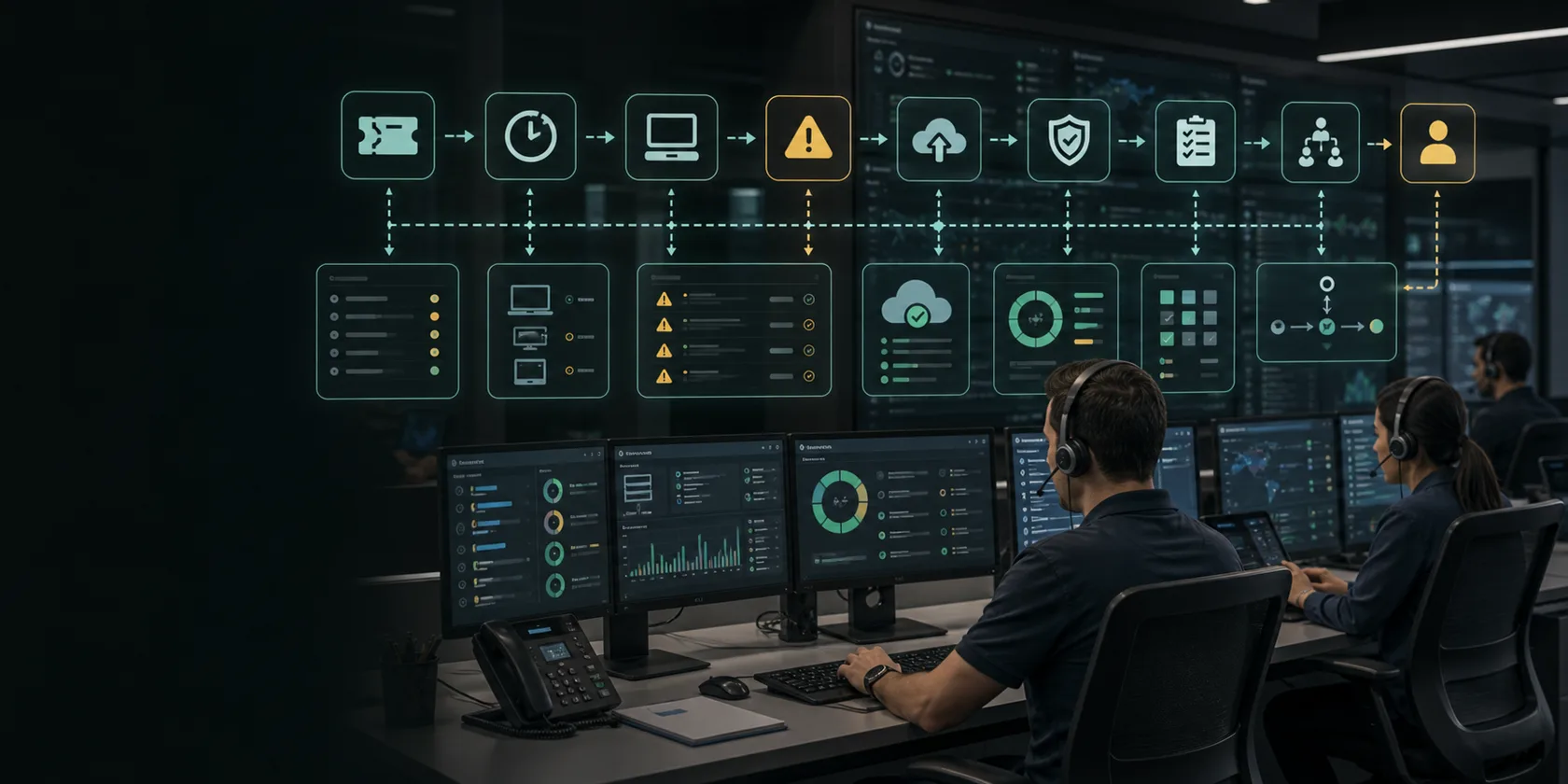
Define channels, ticket types, owners, SLAs, escalation paths, customer context sources, knowledge sources, and helpdesk or CRM records.
AI automation service
AI customer support automation services for ticket triage, reply drafts, routing, knowledge lookup, escalation queues, CRM updates, QA, and ROI reporting.
Buyer intent
Support teams lose time reading repeated tickets, finding account context, routing requests, drafting replies, escalating urgent cases, and updating CRMs or helpdesks. The risk is using AI to answer customers without source evidence, approval rules, escalation paths, and quality monitoring.
Deliverables
Every engagement is scoped around concrete work products, clear owners, and decisions your team can review.
Define channels, ticket types, owners, SLAs, escalation paths, customer context sources, knowledge sources, and helpdesk or CRM records.
Classify urgency, intent, account, product, risk, missing context, sentiment, escalation need, and the right owner or queue.
Draft replies with source evidence, knowledge snippets, confidence states, blocked claims, reviewer notes, and correction feedback.
Track response time, backlog, accepted drafts, corrections, escalations, reopened tickets, support effort, and customer-impact metrics.
Implementation path
Each service starts with the workflow, then narrows into data, approvals, implementation, and measurement.
Choose one support queue: Start with a repeated queue such as support inbox, product questions, billing questions, ecommerce tickets, onboarding requests, or internal IT support.
Connect knowledge and context: Use least-privilege access to helpdesk, CRM, order data, docs, knowledge base, email history, or account records needed for useful replies.
Design escalation rules: Route refunds, legal-sensitive messages, angry customers, outages, billing disputes, commitments, and low-confidence answers to human review.
Launch with quality monitoring: Review accepted drafts, bad routes, escalation misses, answer quality, ticket reopen rate, reviewer burden, and support ROI before expanding.
Buyer checks
High-intent buyers should be able to compare scope, pricing, guardrails, and risk language before booking or approving implementation.
Before buying AI customer support automation services, confirm the exact workflow, owner, source systems, sample records, manual volume, and approval risk.
Separate consultation, audit, implementation, integrations, software, managed support, and change-request cost before comparing proposals.
Require allowed actions, blocked actions, approval-required decisions, source evidence, fallback paths, and audit logs before production launch.
Compare the proposal language against public AI risk, security, and implementation references without treating them as a substitute for expert review.
Fit and proof
Use these signals to decide whether a workflow has enough value, repeatability, and control points to automate.
The support team handles repeated questions, ticket tags, account lookups, drafts, routing, escalations, and CRM or helpdesk updates every week.
The queue is low volume, mostly custom judgment, lacks a knowledge source, or the team wants unreviewed customer replies before support rules are clear.
Tickets are triaged faster, drafts need fewer edits, urgent cases escalate sooner, and response time improves without uncontrolled replies.
FAQ
Short answers for buyers comparing AI automation options, risk, and implementation scope.
AI customer support automation services help support teams triage tickets, draft replies, route escalations, look up customer context, prepare CRM or helpdesk updates, and measure response-time or backlog ROI.
Routine low-risk replies can be automated after testing, but refunds, commitments, billing disputes, legal-sensitive messages, outages, angry customers, and low-confidence answers should require review.
Good first queues include repeated product questions, ecommerce support tickets, onboarding questions, billing follow-up, internal IT triage, account-update requests, and status questions.
Measure ticket volume, first response time, resolution time, backlog, accepted drafts, routing accuracy, reopen rate, escalations, support effort, and customer-impact metrics.
Decision support
Buyers can compare how the work is planned, priced, governed, and started before booking a consultation.
Workflow guides
Matched workflow pages help buyers see where this service turns into practical implementation.
Build customer support AI workflow automation for ticket triage, SOP lookup, reply drafts, escalation routing, approval guardrails, and ROI reporting.
Email OperationsAI Email Workflow AutomationBuild AI email workflow automation for shared inbox triage, message classification, attachment context, reply drafts, owner routing, approval guardrails, and SLA reporting.
E-commerceE-commerce Support Ticket AI TriageUse AI to triage e-commerce support tickets by shipping status, refunds, VIP customers, product questions, and exception risk before staff reply.
MSP / IT ServicesMSP Ticket Triage and RMM Alert AI Workflow AutomationBuild MSP ticket triage and RMM alert AI workflow automation for PSA tickets, device context, backup failures, endpoint warnings, patch queues, dispatcher review, and ROI reporting.
Start scoped
The strongest first step is a narrow workflow with clear owners, accessible data, approval rules, and a measurable ROI baseline.